


Payment Gateway Integrations: What Businesses Need to Know
To make things easy for their customers, online businesses owners may look into adding a variety of different payment options to their checkout page. After doing research, they’ll quickly learn that the actual mechanics of accepting online payments are a bit more complex than placing a button on their website. Every purchase involves a sequence of handoffs between your storefront, the payment infrastructure, the customer's bank, and your own business accounts.
A payment gateway integration is the tool that makes all those connections work. A well-constructed gateway integration allows your customers to pay for goods and services in more ways than before, meaning you can effectively broaden your audience with the addition of a single tool.
This guide explains what payment gateway integrations are, how they work in practice, what to evaluate before selecting a provider, and what still needs to be managed once the gateway is live. If you’re looking for a business banking solution that manages and centralizes the rest of your financial activity, take a look at Slash.¹ While Slash isn’t a payment gateway integration in itself, it can work alongside them by allowing extra visibility into each payment rail your customer base uses.
The standard in finance
Slash goes above with better controls, better rewards, and better support for your business.

Glossary
The technical processes behind digital purchases can get a bit confusing, especially when terms like “payment” overlap between different types of systems. Here’s a quick glossary of important terms before we start:
- Payment processor: The financial service that manages the backend logistics of electronic transactions. Don’t get this mixed up with a payment gateway integration; the processor comes into play after the gateway is used. Common processors include Stripe, PayPal, and Apple Pay.
- PCI DSS: Stands for Payment Card Industry Data Security Standard. This is the set of security standards that govern how payment data must be handled.
- API: Stands for Application Programming Interface. An API is a set of rules that allows separate applications to communicate and share data with one another.
- Checkout: The place where a customer initiates a purchase, whether on a web page or at a physical POS system within a store.
- Card networks: The infrastructures that power debit and credit card transactions. Common examples include Mastercard, Visa, and Discover.
What Is a Payment Gateway Integration?
A payment gateway integration is the connection between your website or app and the payment infrastructure that processes a customer’s transactions. It’s the first checkpoint between the buyer’s checkout experience and the broader payment network. As your clients make purchases, the gateway integration securely captures payment details, transmits them to the right parties, and returns an authorization response to your site.
Each tool involved in the process plays its own role:
- The gateway handles secure data capture and transmission
- The payment processor sends the transaction to the card network and communicates with the customer's issuing bank
- The issuing bank approves or declines based on available funds and any fraud signals
- The merchant account is where approved funds eventually settle
While the payment gateway integration is one of the first stops along the journey, it’s not the actual checkout experience your customers see. Instead, it's the infrastructure that powers what happens after they click pay. It’s important to keep that distinction in mind as you’re choosing between integration models and piecing the process together in your head.
How Payment Gateway Integrations Work
When a customer wants to make an online purchase, all they have to do is enter their payment details hit submit, and receive a confirmation. The inner workings of a gateway integration are just a bit more complex.
After the customer submits their information, the gateway encrypts the data and transmits it to the payment processor. A gateway may also “tokenize” this data, replacing it with a randomized token so the actual card number never travels across your systems. From there, fraud screening tools can scan the transaction for suspicious signals before it’s authorized. These signals might include repeated request attempts or unusual activity surrounding the purchase. Each of these protections are central to how gateways help merchants satisfy PCI DSS requirements.
After encryption, the processor sends the authorization request to the card network, which then passes it along to the customer's issuing bank. The bank makes sure enough funds are in the account, validates the transaction details, and returns an approval or decline code through the same chain. The gateway then delivers that response to your site, confirming or denying the order within seconds of it being attempted. After that authorization, the gateway's job is done.
Types of Payment Gateway Integrations
While shopping for something like a payment processor might have you looking through perks and fees, choosing a gateway integration can be more technical. Here are the common types of integration you’ll likely choose between:
Hosted Payment Gateways
With a hosted gateway, the payment experience takes place outside your website. When a customer reaches checkout, they're redirected to a separate page managed and hosted by the gateway provider. That provider controls the payment form, handles data capture, and manages PCI compliance.
Your business controls very little of what the customer actually sees at this stage, since the checkout happens on the provider's domain with the provider's design. For some businesses, that’s a positive instead of a negative, since these gateways typically require the least work to set up. Because the most sensitive parts of the payment flow happen on the provider's servers rather than yours, they can also reduce your compliance burden. If you want to start accepting payments quickly, hosted gateways may be your best bet.
API-Based Integrations
On the other hand, API-based integrations keep the customer on your site throughout the entire checkout process. This setup has your site sending payment data to the gateway in the background through an API call. The customer never navigates away, and your team gets to control the full look and feel of the checkout experience.
This approach gives businesses more flexibility to design payment flows that match their visual brand or support their customer base’s preferred rails. However, it can require extra resources and technical know-how to build and maintain. You’ll also take on more PCI compliance responsibility, since payment data passes through your environment. For teams familiar with this sort of tech, Slash also has an API that can connect with payment gateways. If your gateway’s API sends real-time webhooks to Slash, payment information can arrive on the dashboard within seconds, allowing you to build a cash flow picture that’s more up-to-date than ever.
Plug-In and Pre-Built Integrations
Some e-commerce platforms and website builders offer pre-built payment gateway plug-ins that connect more easily than with a manual setup. Platforms like Shopify maintain libraries of certified gateway integrations that merchants can activate without having to write custom code.
While plug-in integrations are fast to activate and don't require dedicated developer time, they tend to offer less flexibility for custom checkout flows or non-standard payment requirements. Since they’re pre-made, you may not be able to customize them too much. If you’re interested in a working payment setup that doesn’t require much engineering, they can still be a solid choice.
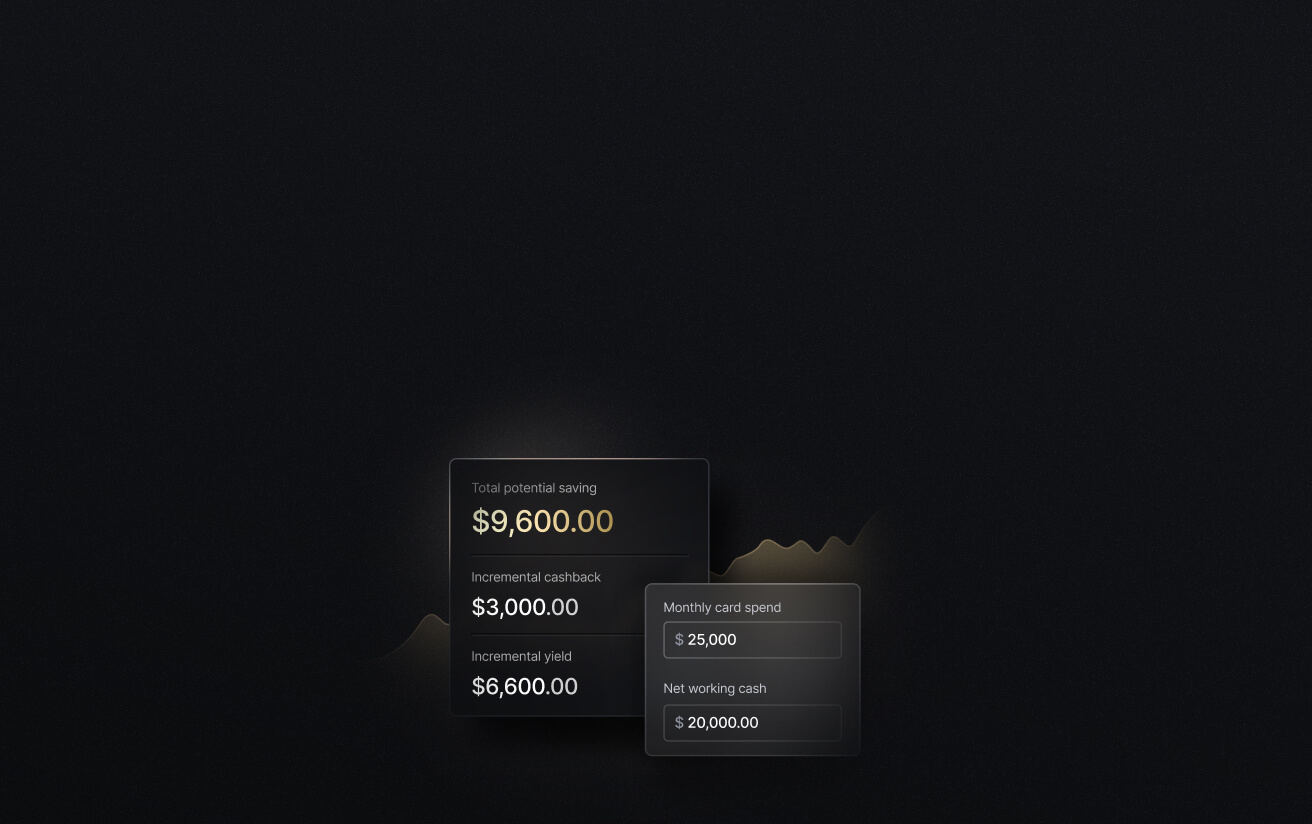
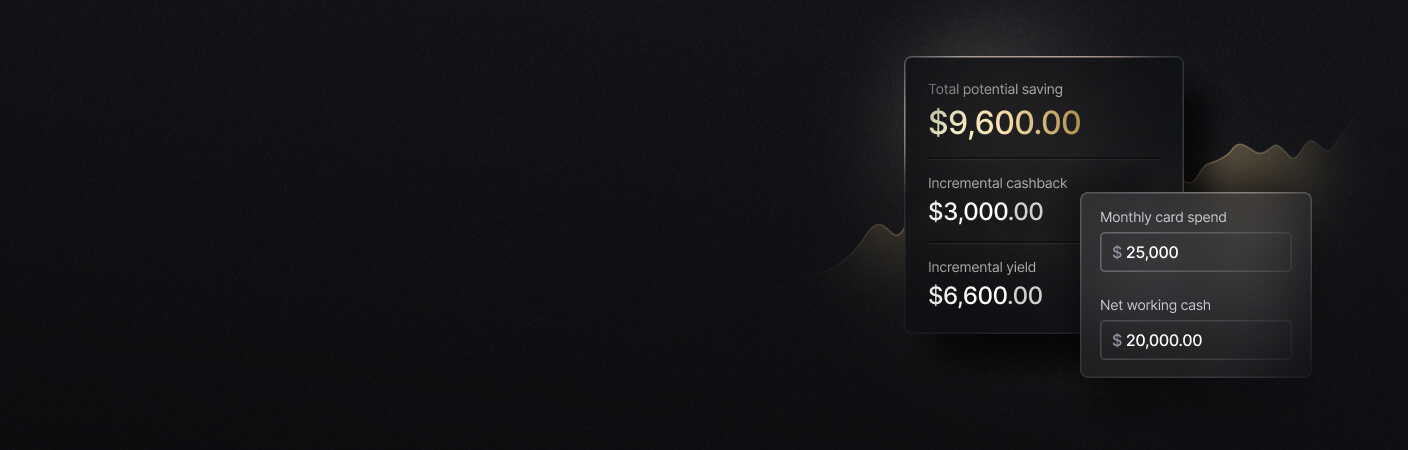
See the ROI behind your spend
Use this calculator to understand impact, then manage and track it all in Slash.
What Businesses Should Evaluate Before Integrating a Payment Gateway
Your choice of payment gateway will depend on what you want out of your setup experience and what your customers want out of their checkout experience. Let’s break down the features you should keep in mind:
Payment Methods and Checkout Preferences
Before researching or committing, you should have a complete picture of the payment rails your customers most often use or the rails you expect them to use when you go live. Confirm that the gateway covers the specific methods relevant to your audience, whether credit and debit cards, digital wallets like Apple Pay or Google Pay, buy-now-pay-later options, or region-specific methods for international customers who use different currencies.
How the checkout experience looks can also make a difference. Customers who get redirected to a bare-bones payment page that doesn't match your site's design might hesitate or change their mind about making the purchase entirely.
Security, Fraud Prevention, and PCI DSS
The way a gateway integration handles its data can change its security implications. Hosted gateways can reduce the merchant's PCI DSS compliance responsibilities because the provider manages most of the process. API-based and custom integrations typically require businesses to follow compliance rules on their own.
Gateways can also come with their own security features, including address verification, CVV checks, 3D Secure authentication, and automated risk scoring. Since consistent chargebacks can hurt your processing fees and account standing, it’s a good idea to try preventing fraud at the gateway level.
Transaction Fees, Currency Support, and Settlement
Providers usually come with their own transaction fees, monthly fees, international processing costs, and currency conversion charges. The actual monthly cost of each of these fees will vary depending on your customers’ locations and their average transaction volume, so it may take a little math to determine which cost structure is cheapest for your business.
Settlement timing is also worth reviewing. Some providers settle daily, while others run on a 2-3 business day cycle. If your liquidity is tight, knowing when funds will actually land can matter just as much as transaction costs.
Reporting and Financial System Compatibility
For the sake of accounting and forecasting, it’s helpful for a gateway to provide visibility into your transactions before settlement. Figure out whether the gateway provides itemized transaction data, fee breakdowns, and settlement summaries, and whether that data can be exported or connected to your existing accounting software.
Platforms like QuickBooks Online, Xero, NetSuite, and Sage Intacct can integrate with many payment gateways as well as Slash. If you use any of these accounting apps, you may be able to build a three-way communication structure between your gateway, accounting, and banking solutions.
How to Integrate a Payment Gateway Into Your Website or App
Whether you choose an API-based gateway or one that’s ready to plug-and-play, building one into your website takes knowledge, preparation, and certain credentials. Here’s what it might look like to integrate a payment gateway into your website:
Choose a Gateway and Set Up a Merchant Account
Before any technical work begins, you’ll likely need both a payment gateway and a merchant account. The gateway handles the authorization flow, whereas the merchant account is where approved funds settle before reaching your operating accounts. Providers may offer both as a bundled product or require separate setup.
Once you've selected your provider, you’ll usually provide business details, ownership documentation, and banking information so you can set up your account and make sure payouts get routed correctly.
Get API Credentials or Integration Access
Once your account is approved, your gateway provider will likely give you the access credentials needed to connect your website or app to their services. For API-based integrations, this might be a public API key that allows you to enter a test or live environment. For plug-in integrations on platforms like Shopify or WooCommerce, you’ll typically receive a merchant ID or configuration token that you can enter directly into your platform's payment settings.
Connect and Test the Payment Flow Before Going Live
You shouldn’t rush the testing stage. Make sure to try each aspect of the payment workflow so you can catch issues before real customers encounter them. Before switching to live mode, you may test approved payments, declined cards, expired cards, partial refunds, and subscription renewals.
Testing should also cover what happens after the transaction. Determine whether confirmation emails send correctly, your systems update as expected, and your accounting integration captures the data cleanly. If you give your gateway the green light without testing these steps, reconciliation will probably be a mess after your first month.
Manage Payment Operations Beyond Checkout with Slash
As complex as payment gateway integrations may seem, they only represent the beginning of a long financial journey. After a purchase is processed, businesses have to track when funds settle, understand the transaction fees, reconcile payment activity across accounts and systems, and use it all to forecast future liquidity.
Slash is a neobank that’s built to support each of the steps after a purchase is processed. All payment activity, whether incoming or outgoing, is arranged on a live financial dashboard. Merchants get to see the income from each of their online sales in the same place they can see their invoices, corporate cards, and treasury holdings.⁶ With the help of APIs, some payment gateways can exchange transaction information with Slash before funds even settle.
Our platform is also built for merchants managing international payments. Slash supports SWIFT transfers to over 180 countries, global ACH payments, and even cryptocurrency through built-in stablecoin on/off ramps.⁴ Payment gateways can give your storefront the ability to accept purchases from other countries, while Slash gives your business an easy way to send and receive funds from around the world.
Small business owners can also take advantage of features such as:
- The Slash Visa® Platinum Card: Our Slash Card allows you to set customizable spending controls and issue unlimited virtual cards for handling team expenses, vendor payments, subscriptions, and more. Users can also earn up to 2% cash back on business purchases.
- Working capital financing: Access short-term financing with flexible 30-, 60-, or 90-day repayment terms to help bridge cash flow gaps.⁵
- High-yield treasury: Earn up to 3.79% annualized yield on idle funds with money market investments from BlackRock and Morgan Stanley, managed directly within your Slash account.
- Accounting & ERP integrations: Slash integrates with QuickBooks Online, Xero, NetSuite, and Sage Intacct to streamline reconciliation, reporting, and month-end close.
- Global USD: The Slash Global USD Account is designed as an alternative for foreign founders who want access to USD without forming a US entity.³ Balances are backed by Slash’s USDSL stablecoin, which is matched one-to-one in value with the US dollar.
If you're building out your payment stack, you might want a banking platform that handles the steps that come after the gateway. Slash can be that platform.
Apply in less than 10 minutes today
Join the 10,000+ businesses already using Slash.
Frequently Asked Questions
Can businesses support multiple currencies through a payment gateway?
Usually, yes. Many gateways allow you to display prices and accept payments in your customers' local currencies while settling the funds into your own preferred base currency.
What Is a Multi-Currency Payment Gateway? Benefits and Challenges

What's the difference between a payment processor and a payment gateway?
Payment gateways come before payment processors along the transaction's journey. A payment gateway accepts a customer's payment information, encrypts it, and sends it along to a processor like Stripe or PayPal. The processor, as you might expect, completes the payment processing step. It then transmits that data to the bank or card network involved in the transaction.
Payment Gateway vs. Payment Processor: 5 Key Differences
How does online payment processing differ from in-person payment processing?
Payment processing at an in-person merchant is actually considered more secure than an online transaction, as it's less vulnerable to malicious activity. For this reason, online payment processing can incur higher transaction fees to make up for fraud risk. Gateways are also more likely to use methods of encryption to keep sensitive data safe as it travels to the processor.
How do I maintain PCI DSS compliance?
Quite a few elements go into PCI DSS compliance, all ultimately serving the safety of the customer. Among other actions, you'll want to securely apply multi-factor authentication (MFA), encrypt sensitive data, run vulnerability scans, and strictly limit who has access to cardholder data.
What payment methods can payment gateways accept?
Payment gateways can accept quite a few payment methods beyond the standard ones you might expect. Many gateways can accept credit and debit cards, digital wallets, bank transfers, buy-now pay-later options, and certain international payment methods that use different currencies. These offerings will vary by provider, so it's smart to do your own research.
Payment Rails Explained: What They Are and How They Work


