


Five Leading Mobile Apps for Business Banking
One of the trickiest parts of starting your own company can actually be choosing a business banking platform to pair with it. Do you want to join a traditional bank, or do you want to look into a fintech that has more cutting-edge features? Should you look for a corporate card program, or should high-yield savings be your main concern? And what about the fees?
As new founders think through all these factors, they may overlook one of the most important tools a banking service can offer: their mobile app. Today’s business banking apps allow users to do a lot more than check their balances and make transfers. Many offer corporate card controls, bill pay tools, and support for multi-entity structures. For some banks, downloading the app is the main way to apply for an account to begin with.
Making sense of it all, especially with certain hidden fees and feature limitations, can be frustrating. That’s why we put together this guide. Below, we’ll evaluate six leading business banking apps, discuss key capabilities to look for, and help you decide based on your business situation. We’ll also take a look at Slash, a fintech platform that serves startups, small businesses, and established companies.¹ Not only does the Slash app come with a few features that you won’t find among its competitors, but it also connects directly to an all-in-one financial dashboard that’s accessible through your desktop.
The standard in finance
Slash goes above with better controls, better rewards, and better support for your business.

What Businesses Should Expect from a Mobile Banking App
Modern business banking apps do a lot more than show you your checking and savings balances. While some offer more features than others, most apps come with a few tools that allow founders to manage their money and control their spending on the go. Here’s what you’ll likely get out of a typical business banking app:
- Core banking services: The app should let users open and manage business accounts, view transaction history, access statements, and see balances in real time. These are pretty obvious, but their depth can vary. Some apps allow you to open category-specific subaccounts, while others just have your standard checking and savings.
- Payment and cash flow tools: You should be able to use your app to send money via ACH, domestic wire, and check at a minimum. International wire capability and other payment rails (RTP, FedNow, global ACH) separate more robust platforms from the basic ones. Bill pay and recurring payment scheduling are also important, since they can allow you to do actual accounts payable (AP) work from your phone.
- Card and spend controls: Most banking platforms offer business cards, but the ability to issue, freeze, and set limits on those cards isn’t always possible via mobile. Some platforms take their card programs further by letting finance teams create unlimited virtual cards with merchant-specific restrictions. With others, all you can do is lock and unlock a physical card.
- Security expectations: Apps that take security seriously should open with biometric login and/or two-factor authentication. When it comes to money movement, many apps send push notifications or alerts for large transactions, low balances, or unusual activity patterns.
- Fees: While we wouldn’t call them a “feature”, fees are something you’ll almost always deal with across business banking apps. While access to the app itself is usually free, some transactions may come with small charges. Same-day ACH, RTP/FedNow payments, international transfers, and express deposit features may all bring extra fees. It’s good to get to know these fees upfront so you’re not surprised by how expensive moving money can get.
See the ROI behind your spend
Use this calculator to understand impact, then manage and track it all in Slash.


Top 5 Leading Business Banking Mobile Apps: A Comparison
Some of the following mobile apps are offered by fintech platforms, while others come from more traditional institutions. Neither are inherently superior, and similar features are found across both. What matters is what you can do with the app and whether it costs you anything. Here are our six picks:
Slash
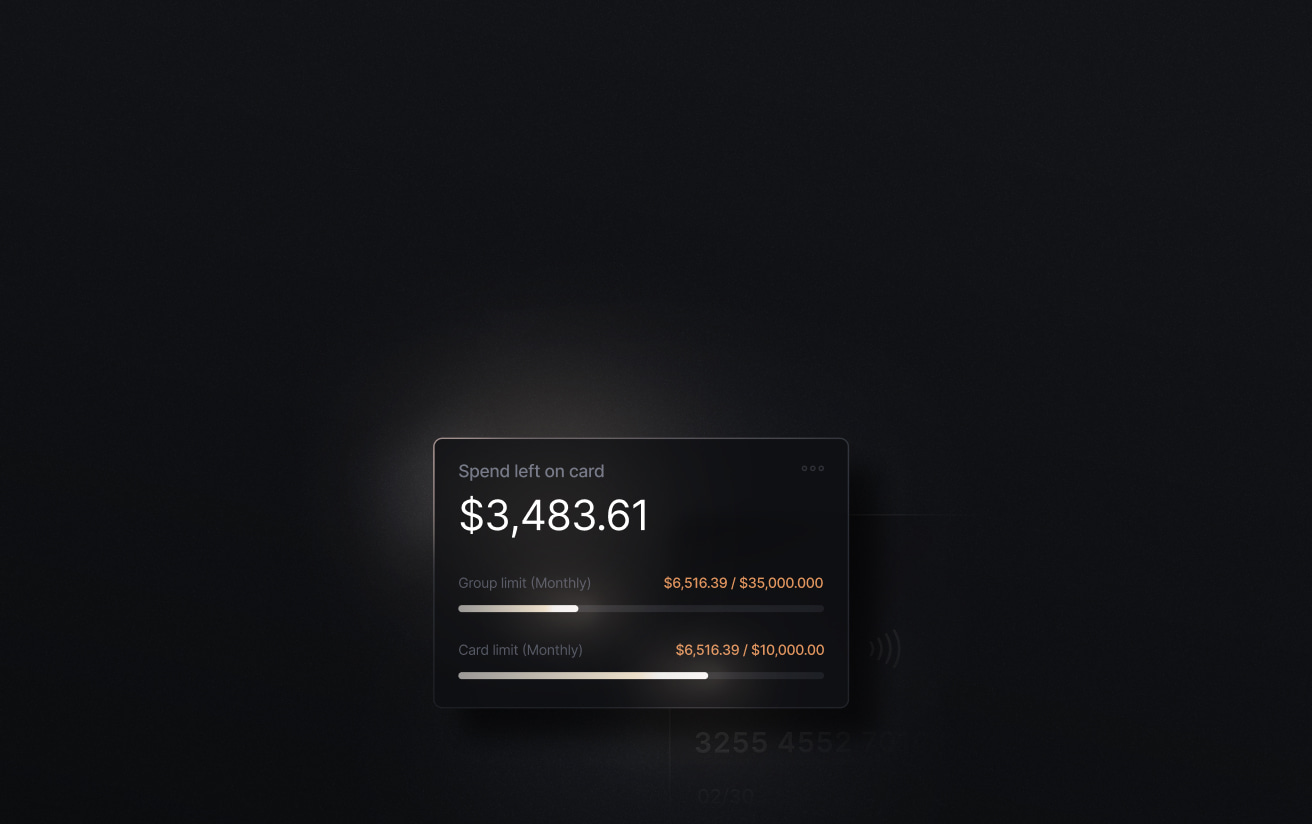
Slash is a business banking platform known for its all-in-one financial dashboard. While this dashboard is web-based, the Slash app comes close to emulating its full range of capabilities. Mobile users can manage their account balances, set card controls, and send money through a wide variety of payment rails. They can also create unlimited virtual cards and issue them to their team members, each generating up to 2% cash back on business expenses. If any transactions made with these cards are flagged as suspicious, the app can send alerts and allow users to freeze the card right away.
The Slash app comes with quite a few more features that you’ll rarely find among similar business apps. For example, mobile users now have access to Slash’s Global USD accounts, which give founders access to USD without needing to own a US-based entity.³ If your clients or vendors are familiar with the world of Web3 finance, you can also send and receive stablecoins like USDC and USDT from your phone.⁴ For those with extra idle cash, Slash offers mobile access to treasury accounts backed by BlackRock and Morgan Stanley that earn up to 3.80% annualized yield.⁶
Strength: Slash's mobile app covers banking, corporate cards, treasury, and stablecoin flows in a single view. Their card integration is especially versatile, as unlimited cards can be created, issued, used, and frozen on mobile.
Best for: Founders, CFOs, and controllers at high-growth companies that want unified banking, cards, and treasury to exist in the palm of their hand.
Bluevine
Bluevine is a fintech platform tailored for small businesses with an app built around its business checking account. The mobile app supports check deposit, bill pay, ACH, domestic and international wire, and Tap to Pay for in-person payments from the phone. Physical and virtual debit cards can be issued with per-card spend limits for team members.
On Bluevine’s Standard plan, your checking account can earn 1.3% APY when monthly activity requirements are met. The Premier plan earns up to 3.0% APY with a $95 monthly fee. The main drawback with Bluevine is that their card program is debit-only, and doesn’t come with as many controls as some other apps.
Strength: As an app, Bluevine’s bill pay features can be helpful for business owners looking to manage AP while away from their desk. As a bank, the ability to earn APY on checking balances can be a good boost for growing startups.
Best for: Small businesses and sole proprietors that want reliable mobile banking with interest on their operating cash.
Mercury
Mercury is a fintech platform with an app that supports receipt upload and matching, customizable push notifications, virtual and physical cards with controls, and even iOS home screen widgets. It also supports sending money via ACH, check, and wire. Overall, its mobile features are rather close to its desktop features. One caveat, though, is that users need to leave the app and enter a different mobile browser to initiate an international wire transfer. It’s a strange quirk that could waste time and confuse some newcomers.
Strength: Mercury's combination of receipt matching, custom alerts, payment approvals, and card issuance is a solid roster of features for a mobile app.
Best for: Early-stage and venture-backed startups that want a mobile banking app with per-card controls and the ability to upload receipts.
PNC Bank
Unlike the providers we’ve looked at so far, PNC is one of the largest commercial banks in the United States. Their Mobile Banking app comes with a few custom-named features targeted towards business owners. For example, the Spend Analysis tool automatically categorizes income and expenses month-over-month across checking and credit card accounts. For a 2-2.5% fee, users can process their mobile check deposit more quickly with PNC Express Funds. You’ve also got PNC Easy Lock, which lets cardholders freeze debit and credit cards on the spot.
As a commercial bank, one of PNC’s perks is the ability to enter a physical branch and do business in person. However, no PNC branches currently exist in the western half of the United States. For folks in the west, having the PNC app is like working with a fintech platform without the perks of some more modern tools.
Strength: Spending analytics, daily merchant sales tracking, and card lock features set PNC's mobile experience above what most traditional banks offer.
Best for: Small businesses in the eastern half of the US that want traditional bank stability alongside a capable mobile app.
Santander
Santander Bank is an international bank that offers a dedicated Business Mobile Banking App. A couple features stand out among their competitors, including a Quick Balance tap that shows you your account balances without a full login. The app also supports AP workflows with a built-in Bill Pay feature. An obstacle, however, is its fee structure: same-day wires cost $20, ACH transfers cost $7, and stop payments cost $18. Additionally, even though physical Santander locations are found in many different parts of the world, they’re missing from the US’s west coast.
Strength: Santander's Bill Pay feature offers accounts payable capabilities that both fintechs and traditional banks often lack in their apps.
Best for: Established businesses, particularly in the northeastern U.S., that want a traditional banking relationship paired with a solid mobile app for everyday transactions and bill pay.
How to Choose the Right Mobile Banking App for Your Business
There are five overarching factors you should consider when you choose a business banking app. The first, ultimately, is the bank it’s attached to, but that’s a discussion for another day. Here are the other app-specific elements to think about:
Start with must-have features
List some of the most common things you or your finance team does every week. This could include approving expenses, issuing cards, reviewing alerts, or sending wire/ACH payments. Then verify whether each app handles those natively, or if it requires a detour to your desktop. In a way, the less you’ll need your computer, the more you’ll like the app.
Compare cost structures directly
While app access is usually free, transaction-level fees can add up. A $10 same-day ACH fee matters if your team moves money multiple times per week. Keep an eye out for transfer fees on standard plans, express deposit charges, and currency conversion costs for international payments.
Consider your ecosystem fit
Some mobile banking apps offer connections to other pieces of software you might already use. For instance, Slash integrates with QuickBooks Online, Xero, Sage Intacct, and NetSuite, meaning mobile transactions can sync directly with your accounting software. Other apps might integrate with payroll or a separate card program.
Check out the reviews
As we evaluated each of the six apps above, we didn’t touch upon their user interfaces, loading times, or bugs. After all, everyone’s experience may be different. However, if you dig through user feedback and reviews and begin to notice certain trends, you can likely trust what the crowd is saying. If an app’s customers overwhelmingly say a certain feature doesn’t work correctly, it probably doesn’t work correctly.
Manage Your Finances On the Go With the Slash Mobile App
Every one of the apps we’ve looked at is inherently connected to a banking platform that offers its own suite of features. For some providers, the desktop app is their strength, while their mobile app is a bit lacking. For others, it’s flipped. Since lots of business owners spend equal time on their computers and phones, Slash made sure that both options were as strong as possible.
Slash’s desktop platform brings business banking, diverse payment rails, treasury management, and card controls together on one dashboard. So does the Slash app. While some features remain computer-exclusive, such as API access and administrative permission management, Slash allows you to manage and complete many of your day-to-day financial tasks right on your phone.
In total, the Slash app gives you access to:
- Real-time account balances
- Transaction history and activity monitoring
- Corporate card management
- Card spend visibility
- Transaction alerts and account updates
- Payments via ACH, wire, and crypto
- Stablecoin on- and off-ramp access for eligible businesses
- Treasury balance visibility and supported Treasury transfers
- Entity switching for businesses with multiple companies or subsidiaries
Slash gives you a level of control on mobile that’s tough to find anywhere else. If you’re a business owner looking for a way to stay on top of your company’s spending while out of the office, give the Slash app a try today.
Apply in less than 10 minutes today
Join the 10,000+ businesses already using Slash.
Frequently Asked Questions
What's the difference between mobile banking and online banking for businesses?
Online banking refers to any browser-based account access, including on a desktop. Mobile banking is the app-based experience on a phone or tablet. In practice, the mobile app is usually where time-sensitive decisions happen, such as approving a payment, freezing a card, or responding to an alert. More complex workflows like bulk payments or ERP syncs may still work better on a computer.
What Business Banking Platform Should You Choose in 2026?

Are business mobile banking apps secure?
They had better be. Most platforms in this comparison use biometric authentication, two-factor authentication, and encrypted data transmission. They can also come with early warning services through push, SMS, or email alerts in case there’s suspicious activity.
Do I need a separate corporate card app and a banking app?
Not necessarily. Platforms like Slash, Brex, and Mercury combine their card controls with banking on their apps. If you’re looking for granular spend controls and the ability to issue virtual cards, however, not every app is on the same level.
Corporate Expense Cards: How to Choose the Right One


